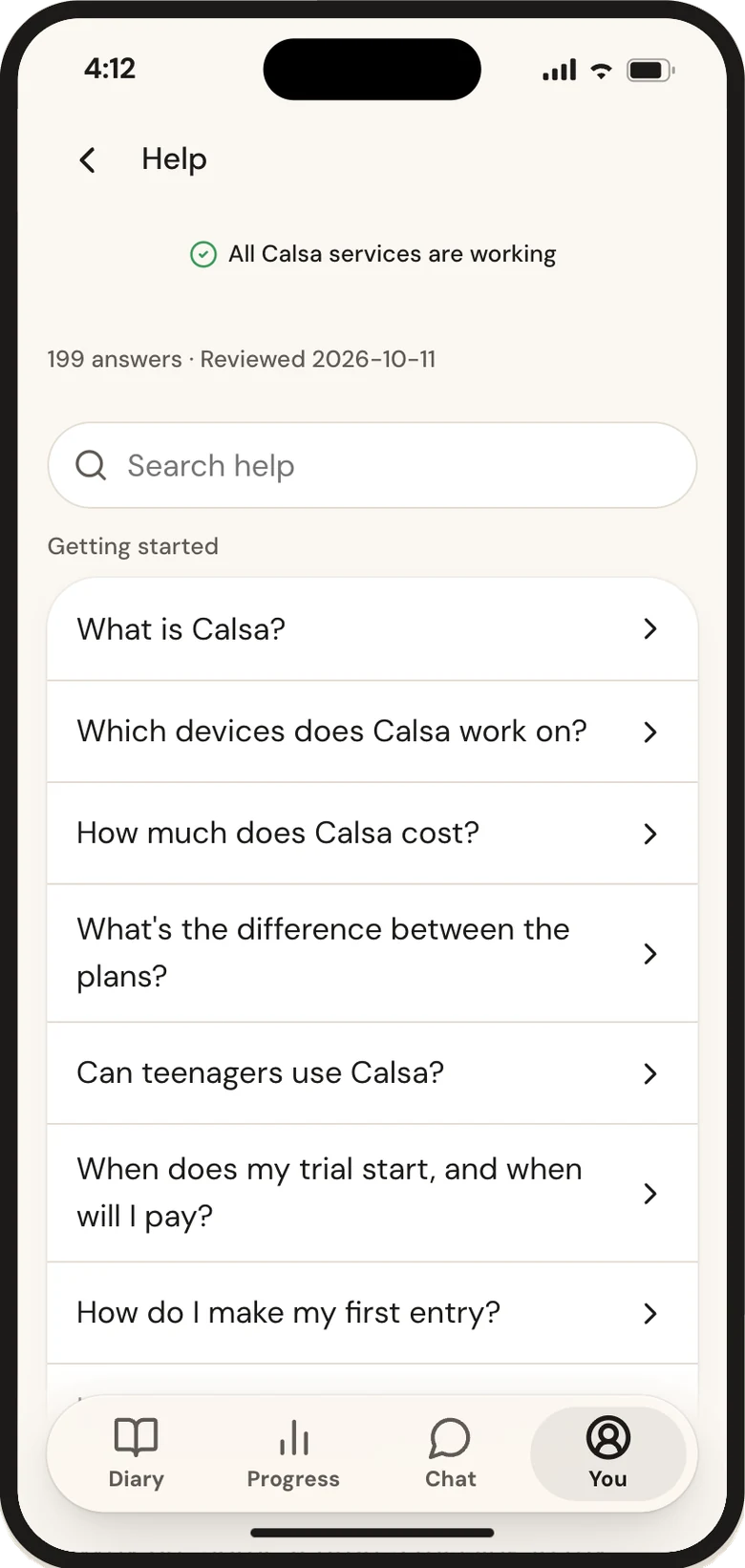
How do I contact a person?
To contact a person, open Help in the app and choose Write to us, or open calsa.app/support/ and choose Email support, or email [email protected]. You do not need AI permission or a subscription. Writing in the app needs you to be signed in, so the request belongs to your account and you can follow it. If you cannot sign in, use email.
You send a message only when you press Send to support, and you can edit the text first. After Calsa’s server accepts it, the screen shows a reference number and the reply time, and a receipt email follows. If the result cannot be confirmed, your text is kept: check the result and retry the same message instead of sending a copy. A first human reply is due within 24 calendar hours, including weekends. The automatic receipt is not a human reply.
Describe the step you were taking and any error shown. Include only the details needed for the case. Only what you type is shared, plus the name of the Help answer you started from, if any: no diary, photos or chat history is attached. Do not send passwords, sign-in codes, full card numbers, private export links or your whole diary.
Reviewed