How do I make my first entry?
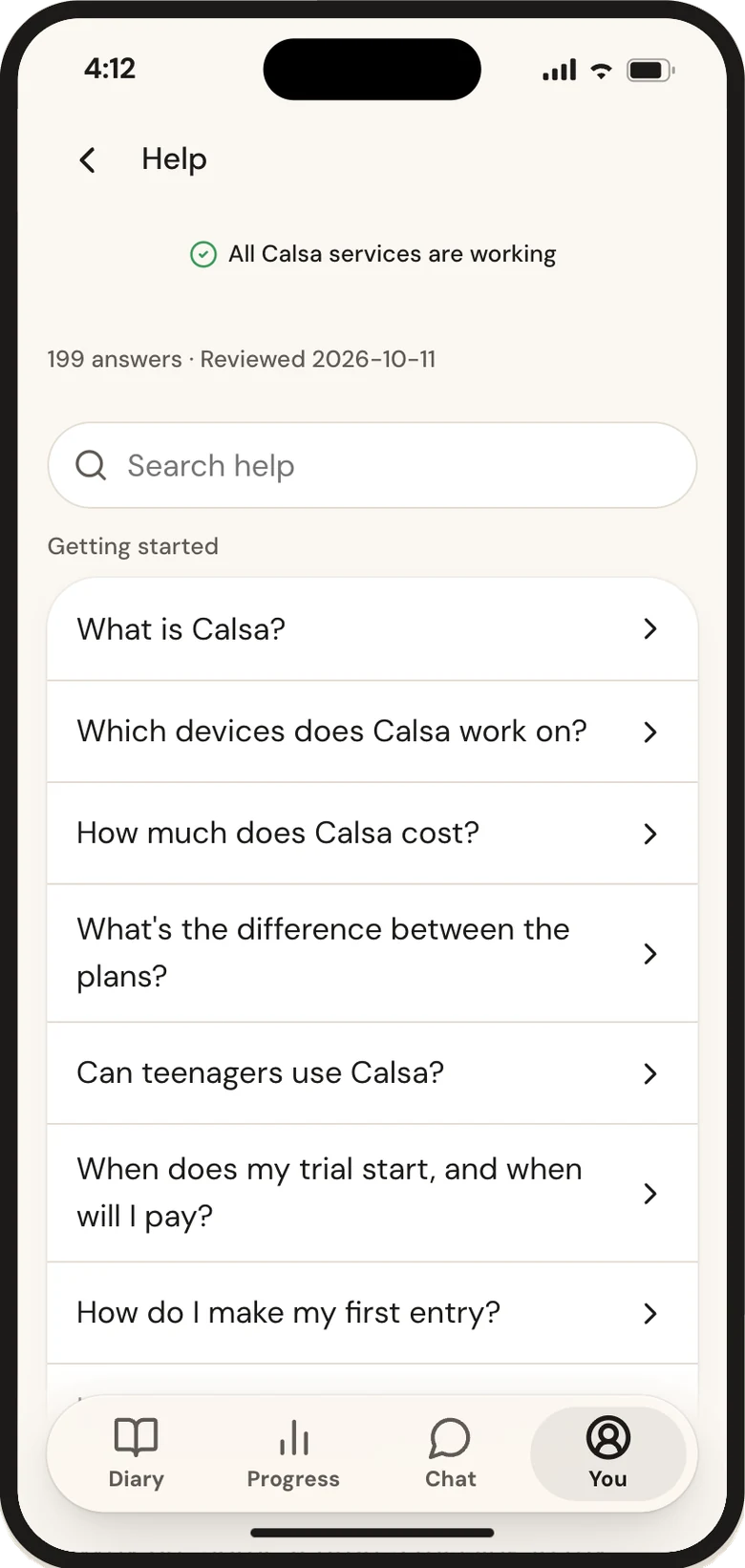
Open Diary and tap + to open Add food, then scan a barcode, enter a calorie number or choose a food from search. A result that shows a serving is saved with one tap and shows Undo, and a result marked per 100 g opens Set amount first, so check the amount there. The camera scanner has passed browser tests but has not been checked on phones. Photo and phrase recognition are not open yet. Save food photo for later keeps the photo on this device as a draft, and Say it opens a box for your words, but turning a photo or words into foods waits until recognition passes Calsa's accuracy checks.
The day and meal are shown at the top of the sheet. The day total updates from the entry. You do not have to log a whole day at once. Food search, barcode lookup and Add quick calories do not require AI recognition. Barcode lookup needs a connection. A pending local-save label means the entry still needs to sync to your account.
Setup asks how you want to log most of the time: Photo, Say it, Scan a barcode or Type. Your answer, or Photo if you skip it, puts that button first on the Diary screen. You can change it under You → Tracking display → First food button. Every way to log stays available.
Reviewed