Can I bring my history from another app?
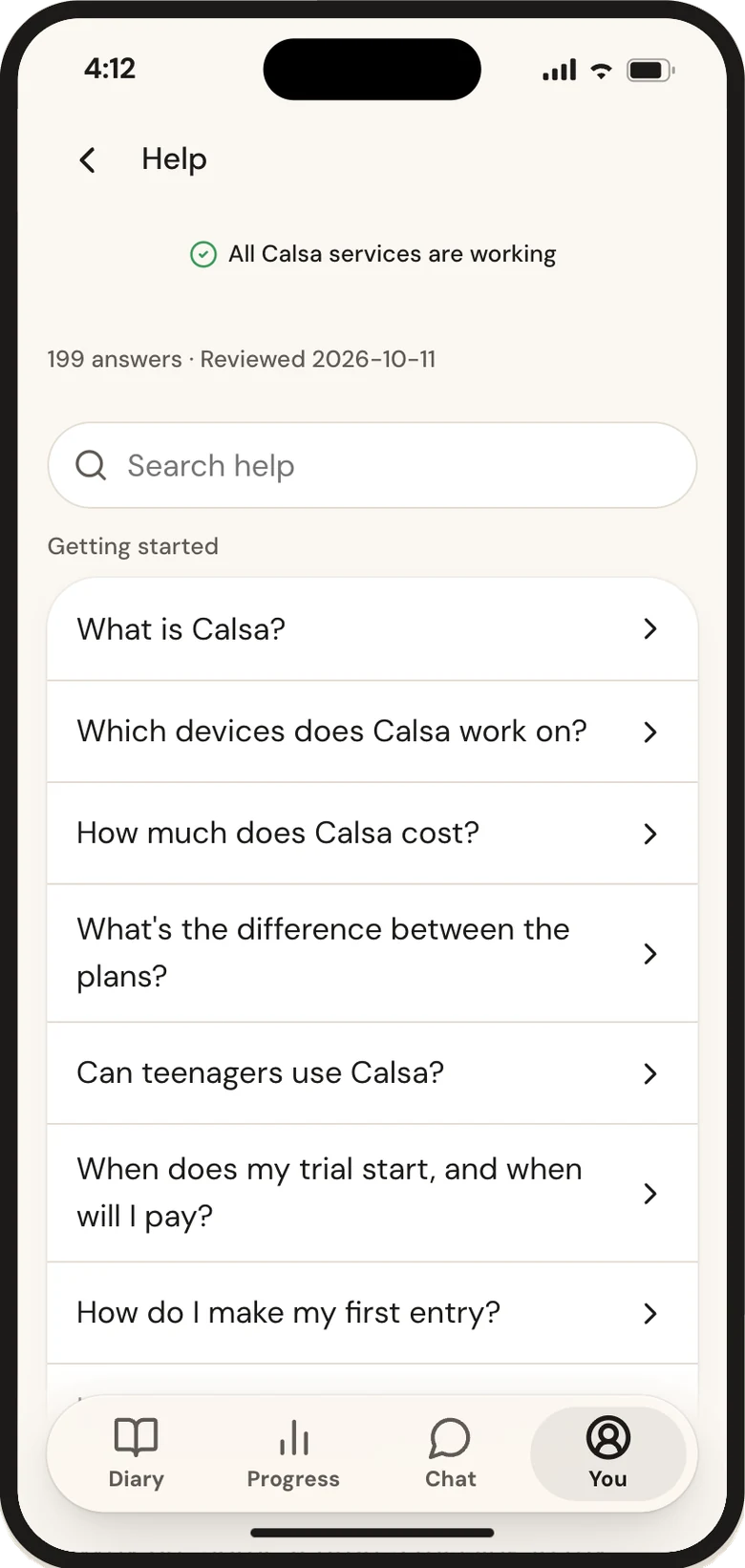
You can import a compatible CSV under You → Privacy and data → Import history. Choose the file, check its columns, dates and units, and review the preview before confirming. The preview does not change your diary.
Food history, meal or daily totals and weigh-ins can transfer. Recipes, photos, notes, exercises and goals do not transfer through this route. The limit is 2 MiB and 5,000 data rows per import. Split a larger history into smaller periods. If the columns can't be matched, use the Calsa History CSV v1 template.
Setup includes the optional question Did you track calories in another app? If you choose the app you used, Calsa offers Bring your history after you start and keeps that card on your empty first day until you choose a file or tap Not now. If you choose No, this is my first, it is not offered at the start. You can import later from You → Privacy and data → Import history.
Reviewed